Description
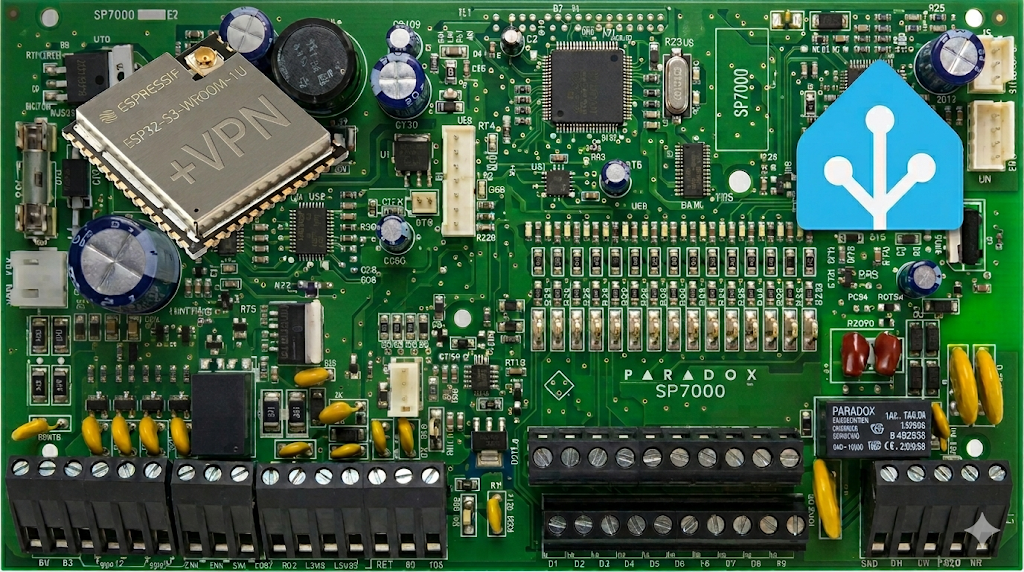
An opensource WiFi and VPN module for Paradox alarm panel
This module will directly connect to your Paradox alarm panel and expose UART over WiFi. Be mindful about security when doing this: use isolated local network, high WiFi security with strong password, use users/passwords for the panel and VPN when sending data externally (although the same also applies to the native modules offered by the Paradox themselves…).
Want one? Build it yourself (links with parts and instructions below) or I can make one for you 😉 As it’s based on opensource firmware/add-ons/software–you’re paying for the hardware, build process and shipping only. You can flash your own firmware or completely repurpose the ESP module if required.
- Digital Files (GN-ALARMOO):
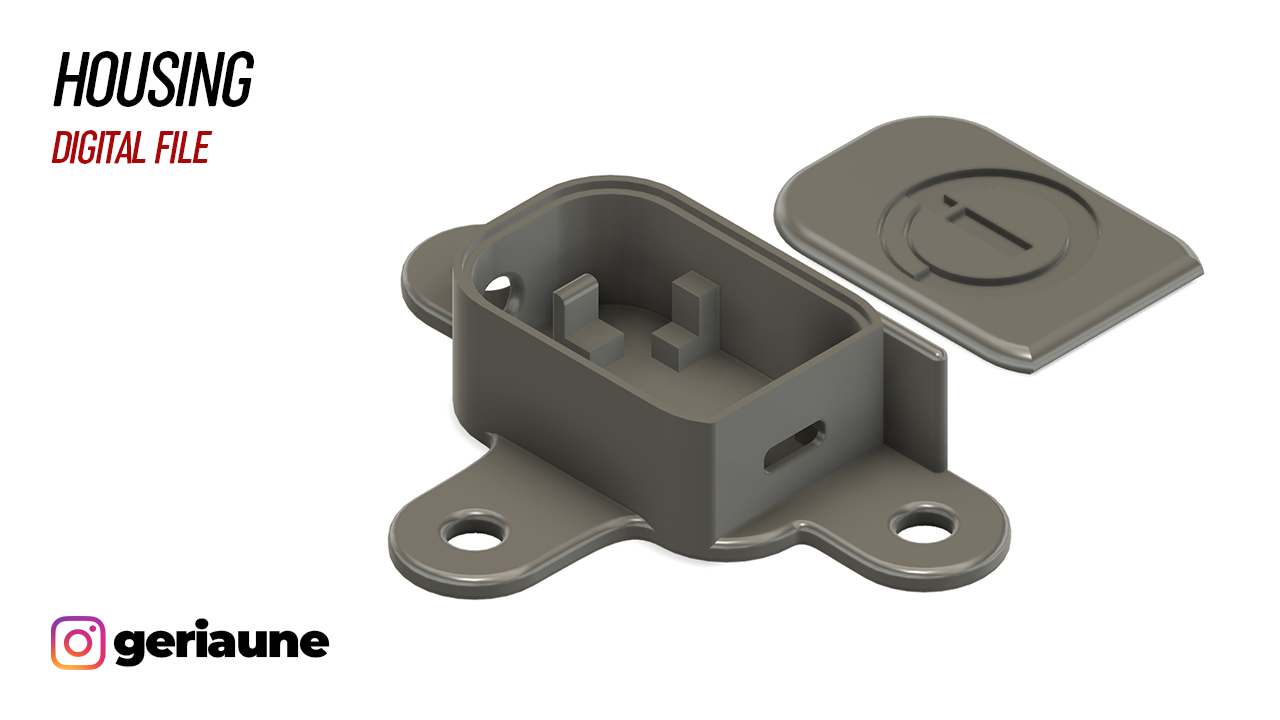
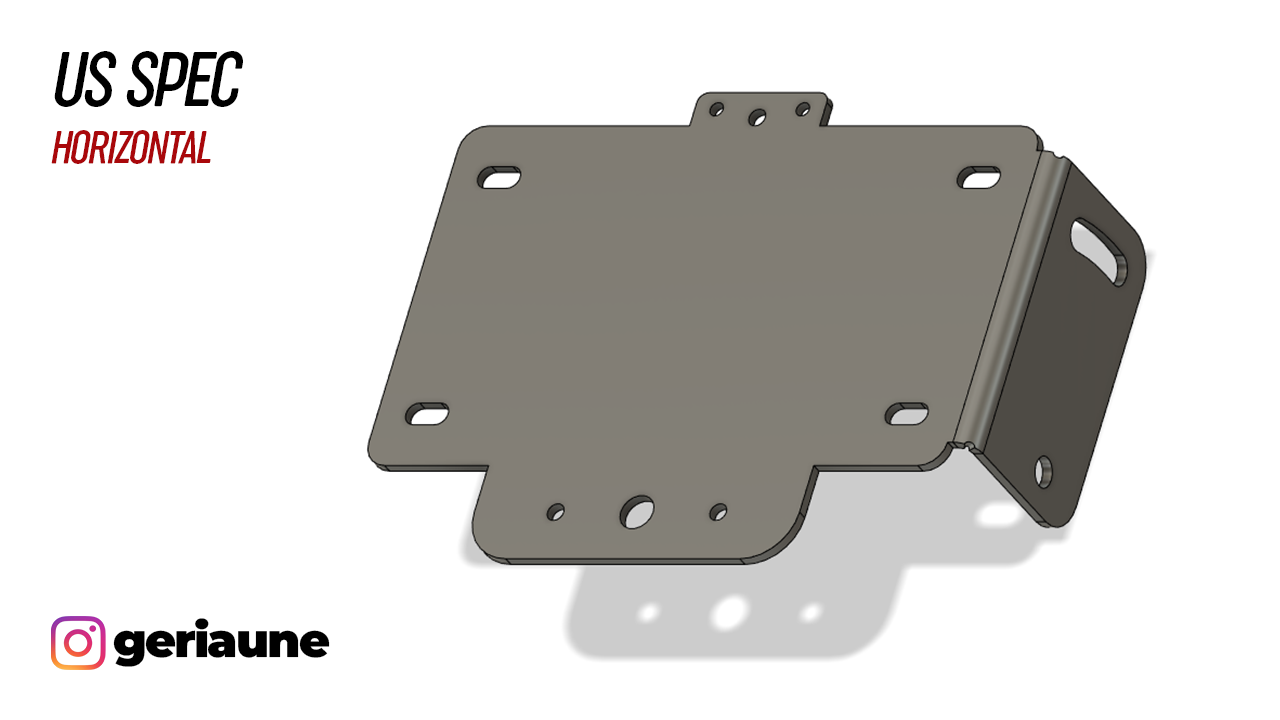
3D Files to print the housing for an ESP module and instructions how to put one together yourself (DIY), parts list etc.. Downloadable.
- Module, WiFi Only (GN-ALARMV1):
Based on the ESP32-C3 module with an external antenna. Slower hardware is not suitable for full VPN stack, but still perfect for local implementations. If you need more security and faster hardware–check the version 2 of the module below. Made-to-order.
- Module, WiFi+VPN (GN-ALARMV2):
Based on the ESP32-S3 module with more storage, PSRAM and dual-core microprocessor. Does everything what “WiFi Only” module does, but also runs Tailscale/Headscale VPN reliably. Made-to-order.
Why This Works
The proprietary Paradox modules like IP150 or GSM ones are pretty expensive, put a cell carrier plan or cloud subscription on top of that and you’re paying a monthly fee just to have it online. With this opensource module you pay once, go through the integration process and have it operational for years to come 🙂 Also you have full control of your alarm system with automation and other rules/alerts Home Assistant instance can offer.
WARNING: USE AT YOUR OWN RISK! While convenient, it’s not OEM-grade. It gives you full control and flexibility, but it comes with a cost. You need to be aware about security risks exposing the panel to the network, you should be able to integrate it to Home Assistant (or any other tool of your choice). It comes as a hardware dongle without any additional software or hardware stack surrounding it.